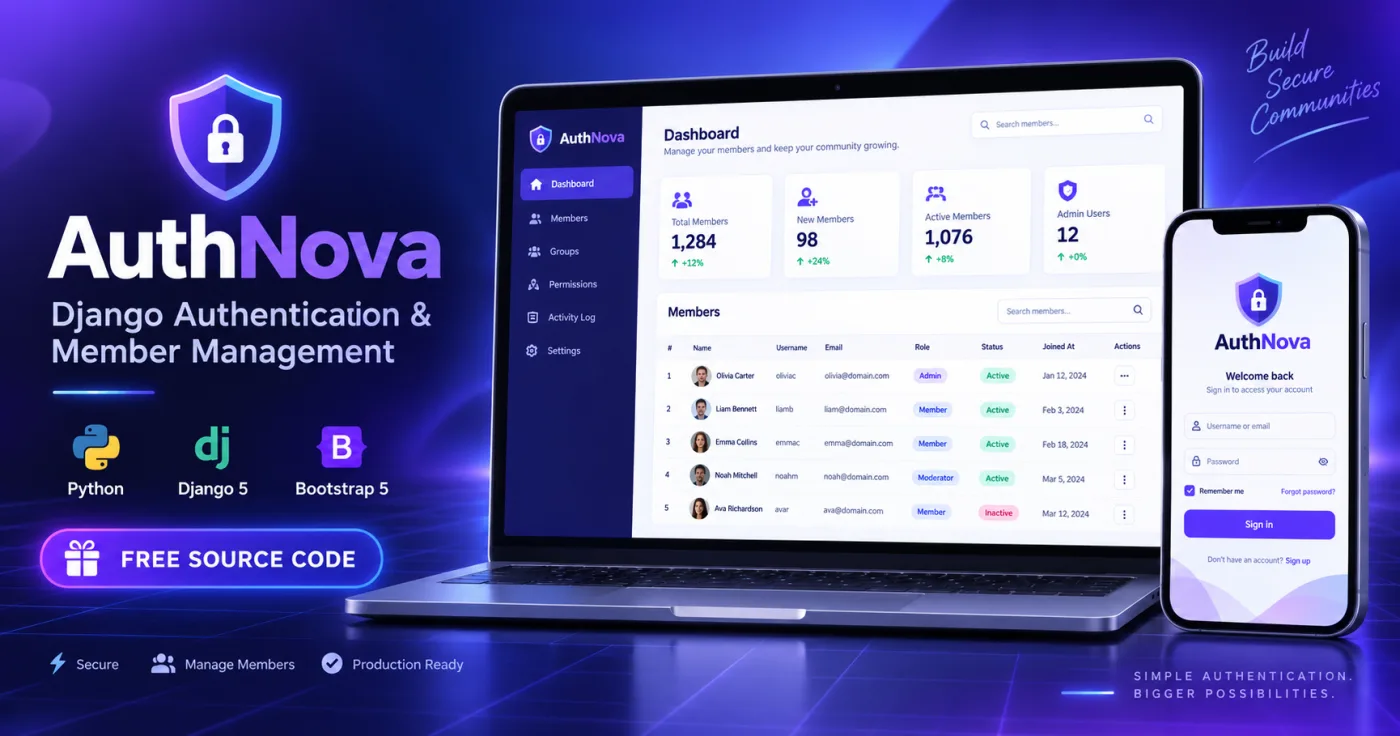

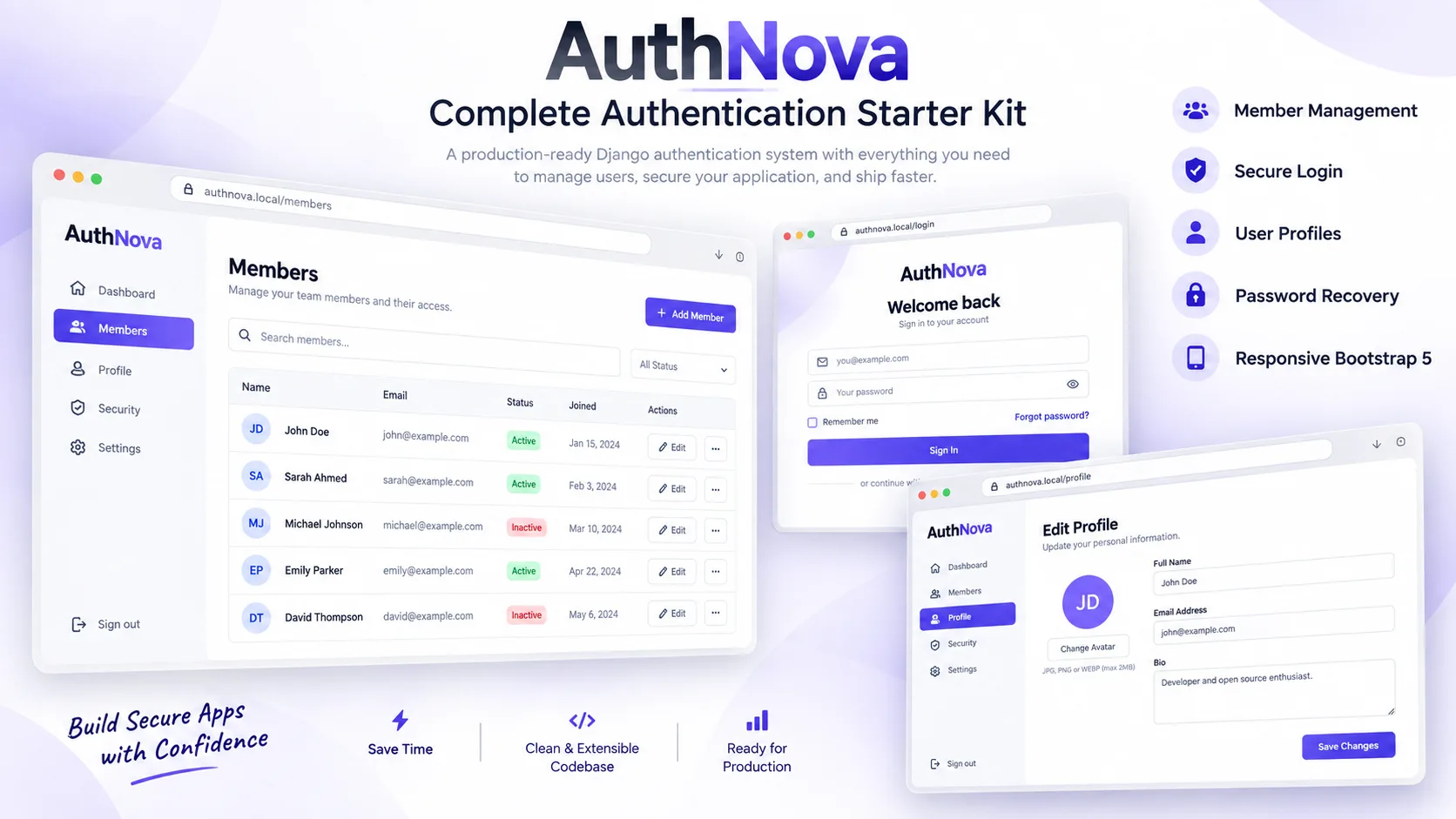
AuthNova is a modern Django authentication and member management starter kit designed to help developers launch secure web applications faster.
Instead of building registration, login, password recovery, profile management and administrative member tools from scratch, AuthNova provides a clean and organized foundation that can be customized for SaaS platforms, customer portals, membership websites, dashboards and other Django projects.
The interface is fully responsive and built with Bootstrap 5, providing a polished experience across desktop computers, tablets and mobile devices.
Key Features
• User registration with email uniqueness validation
• Secure login and session-based authentication
• Secure POST logout
• Password reset workflow
• Password change for authenticated users
• Protected user dashboard
• Editable user profile
• Profile image upload
• Personal bio, location and website fields
• Automatic profile creation using Django signals
• Custom staff-only member management dashboard
• Search members by name, username or email
• Create new members from the dashboard
• Edit member account information
• Activate and deactivate member accounts
• Assign and remove staff access
• Delete member accounts
• Protection against administrator self-deletion
• Protection against administrator self-deactivation
• Django CSRF protection
• Django password validation
• Protected routes and permission checks
• Custom 403, 404 and 500 error pages
• Responsive Bootstrap 5 design
• SQLite database for simple local setup
• Environment-based production settings
• Demo-data management command
• Automated application tests
• Clean and developer-friendly project structure
Member Management
AuthNova includes a custom member management area available only to staff users. Staff members can view registered accounts, search the member database, create new accounts, update member details, change account status and assign staff access.
Important safeguards prevent an administrator from accidentally deleting or deactivating their own account.
User Profiles
Every registered user automatically receives a profile. Users can update their name, username, email address, profile picture, biography, location and website.
Profiles are created automatically using Django signals, keeping the account system organized and easy to extend.
Security
The project uses Django’s built-in authentication and security features, including:
• Secure password hashing
• Password strength validation
• CSRF protection
• Session authentication
• Login-protected pages
• Staff permission checks
• Email uniqueness validation
• Protected account-management actions
Responsive Design
The interface is built with Bootstrap 5 and works across:
• Desktop computers
• Laptop computers
• Tablets
• Mobile phones
The design includes authentication pages, a member dashboard, profile management, member administration and custom error pages.
Included Pages
• Home page
• Registration page
• Login page
• Password reset page
• Password reset confirmation page
• Password change page
• User dashboard
• User profile page
• Members list
• Add member page
• Edit member page
• 403 error page
• 404 error page
• 500 error page
Technologies
• Python
• Django 5.2 LTS
• Bootstrap 5
• Bootstrap Icons
• HTML5
• CSS3
• SQLite
• Django Template Language
System Requirements
• Python 3.10 or newer
• pip package manager
• A modern web browser
• SQLite is included with Python
• PostgreSQL or MySQL is recommended for larger production applications
Installation Instructions
1. Extract the downloaded ZIP archive.
2. Open PowerShell, Command Prompt or Terminal inside the AuthNova folder.
3. Create a virtual environment.
4. Activate the virtual environment.
5. Install the required Python packages.
6. Apply the database migrations.
7. Create the demonstration account.
8. Start the Django development server.
9. Open the local website in your browser.
Installation Commands
python -m venv .venv
Windows activation:
.venv\Scripts\activate
macOS or Linux activation:
source .venv/bin/activate
Install and run:
pip install -r requirements.txt
python manage.py migrate
python manage.py seed_demo
python manage.py runserver
Open the following address:
http://127.0.0.1:8000/
Demo Account
Username: demo
Password: DemoPass123!
The demonstration account has staff access, allowing you to test the complete member management system.
Production Notice
The included Django server is intended for local development and testing. Before deploying the project to a production server:
• Set DJANGO_DEBUG to False
• Generate a strong secret key
• Add your domain to DJANGO_ALLOWED_HOSTS
• Configure HTTPS
• Configure a production email service
• Run collectstatic
• Use a production WSGI or ASGI server
• Consider PostgreSQL or MySQL for larger applications
Customization
Developers can easily customize the colors, branding, templates, profile fields and dashboard components. The organized project structure also makes it straightforward to connect additional applications, APIs, payment systems or SaaS features.
What Is Included
• Complete Django source code
• Authentication and profile system
• Member management dashboard
• Responsive Bootstrap interface
• SQLite development database
• Requirements file
• Windows setup script
• macOS/Linux setup script
• Demo-data command
• Automated tests
• Installation documentation
• Changelog
• License file
Support
Please read the included README file before installation. It contains the setup commands, demonstration credentials and important production recommendations.