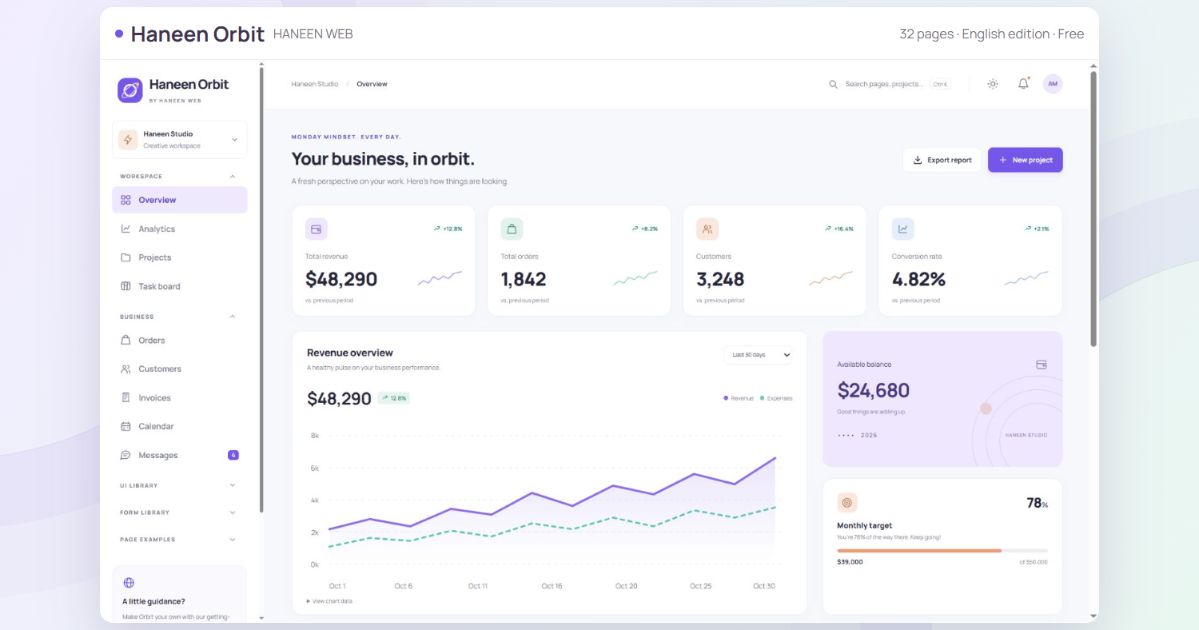
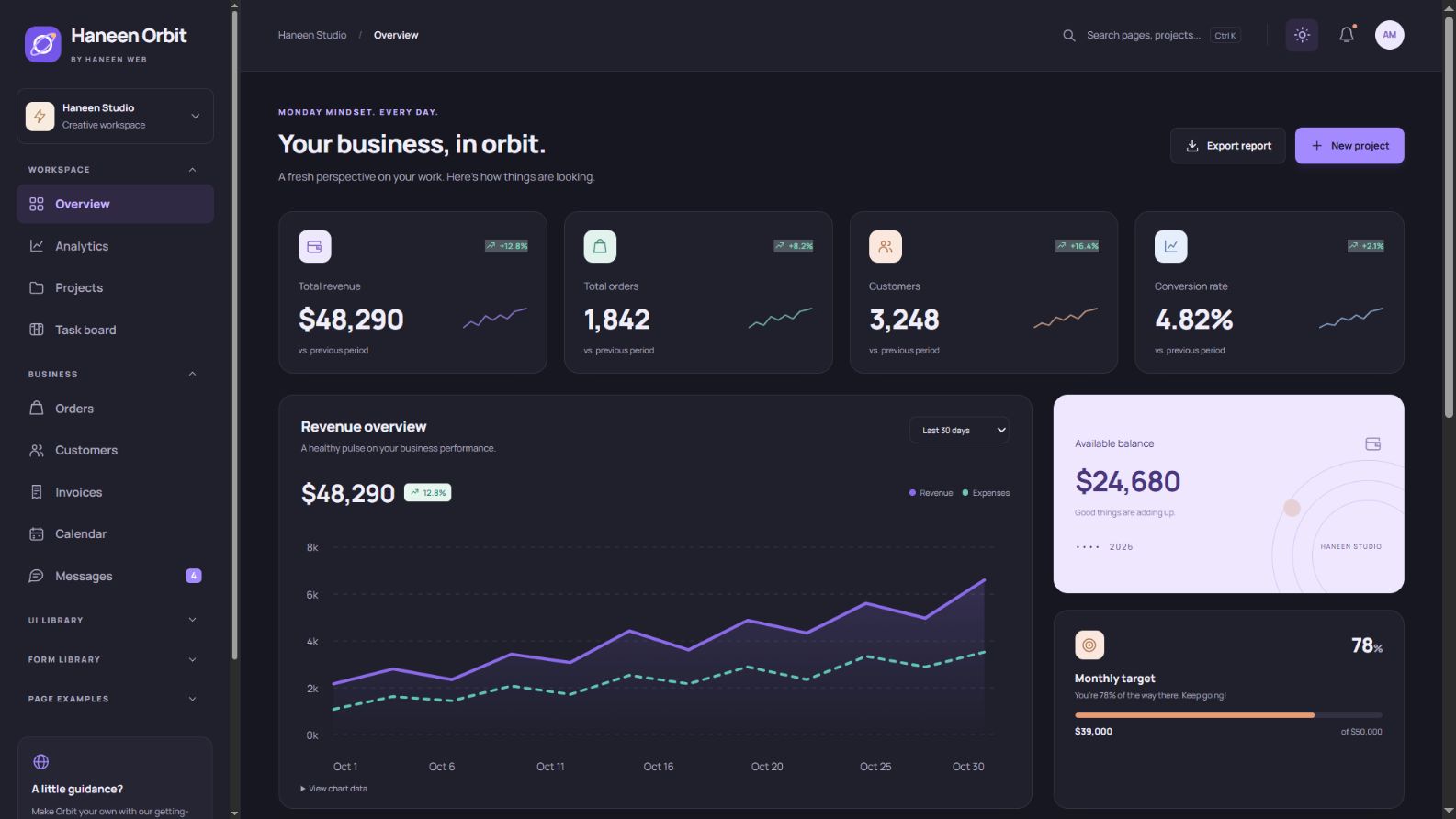
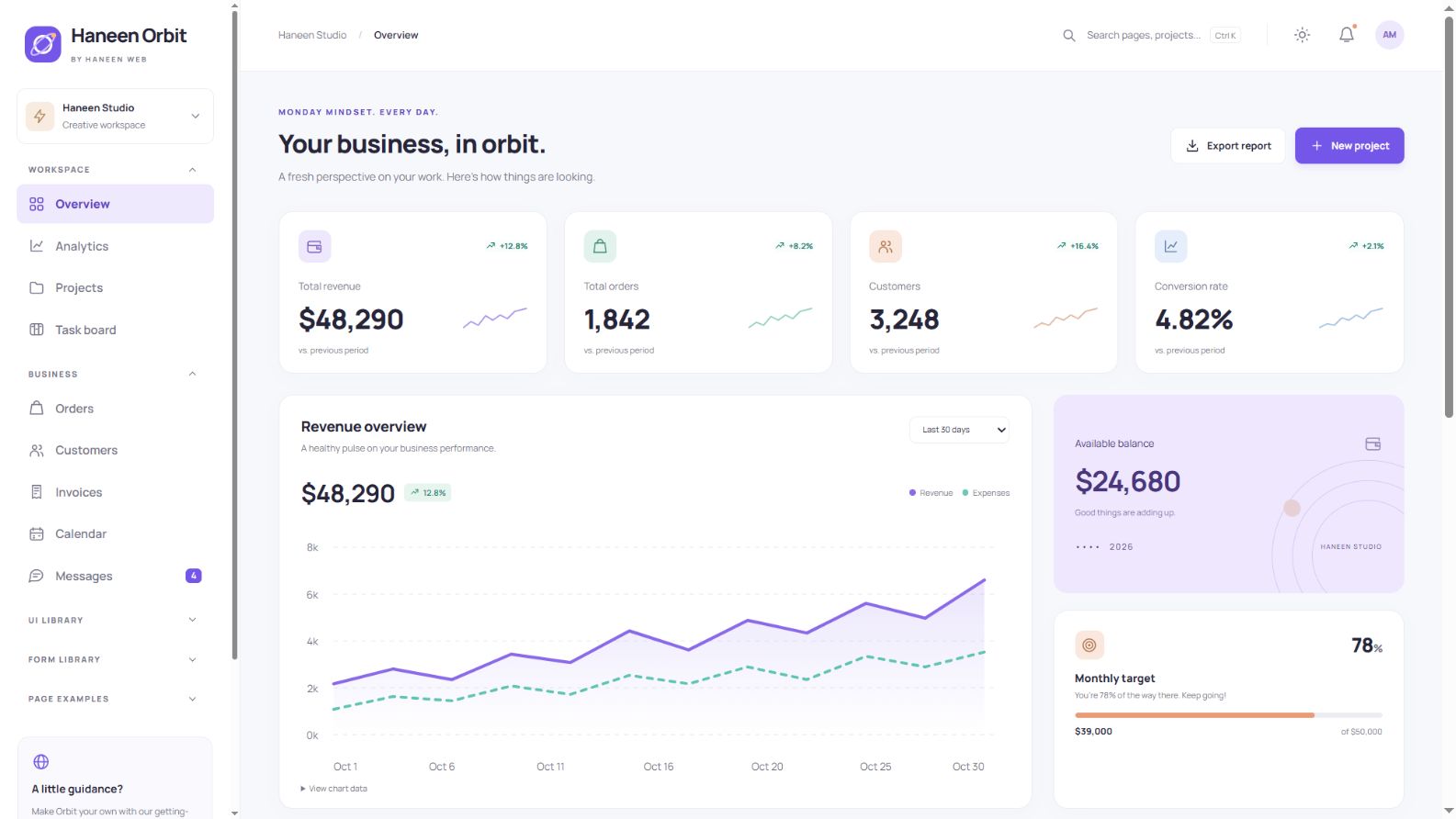
Haneen Orbit is a free HTML admin dashboard by Haneen Web, designed as a flexible foundation for store administration, CRM, project management, content tools and SaaS workspaces. The English edition provides an independent LTR interface, local fonts and a consistent visual system.
Read the complete illustrated guide · Explore the independent Arabic RTL edition
What is included?
- 32 ready-to-use pages with local HTML, CSS and JavaScript assets.
- Reusable components and forms with expandable HTML examples.
- Responsive layouts, light/dark appearance, two accents and density options.
- Commented source, setup and customization documentation, and build/check/preview tools.
- Version 1.0.0 with font credits and the free-use license.
Projects and project details
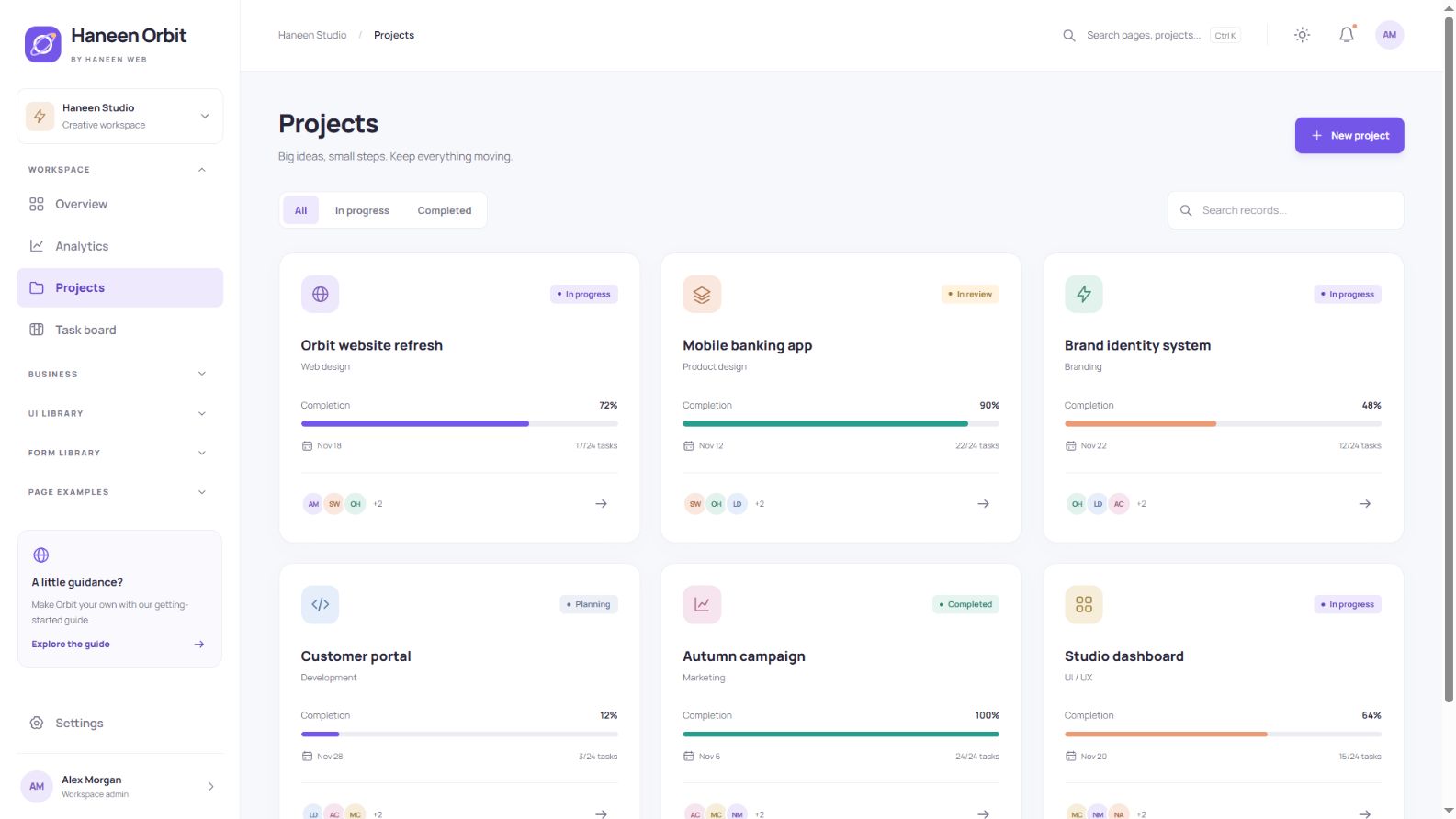
Project cards display a name, category, status, progress and team. Add a project, edit its details, search the list and open its detail view. Demo changes can be stored in the browser when storage is available, with a reset option in Settings.
A practical Kanban task board
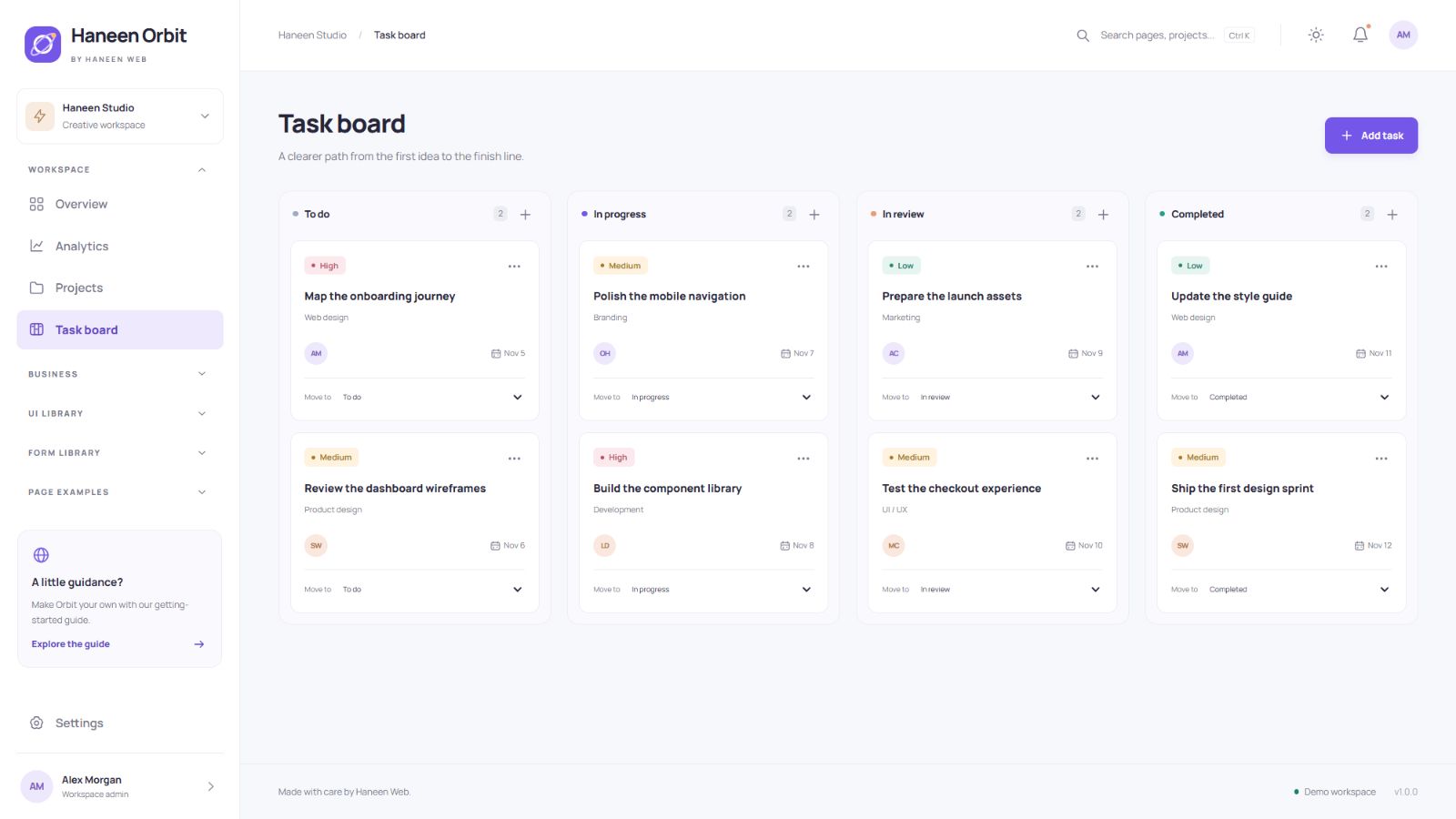
Tasks are organized into clear workflow columns. Move them by dragging or by choosing a status from the accessible select control. The latter also works well on phones and with a keyboard. Add your own permissions and synchronization when integrating a shared team workflow.
Orders with search, filters and CSV export
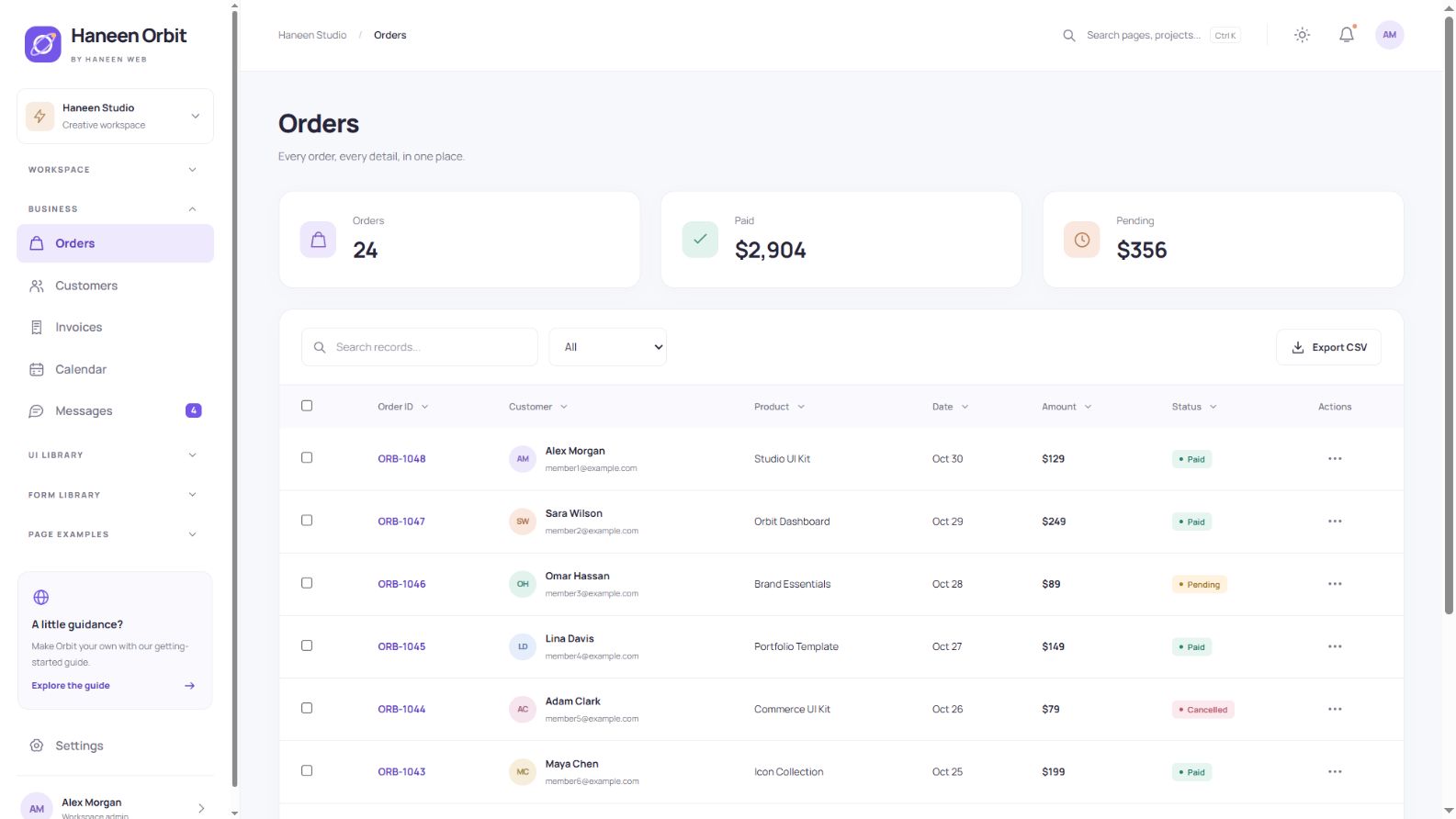
The order table includes literal-text search, status filtering, sorting, row selection and pagination. Export results to CSV for use outside the interface. An explicit empty state helps users understand when a query has no matches.
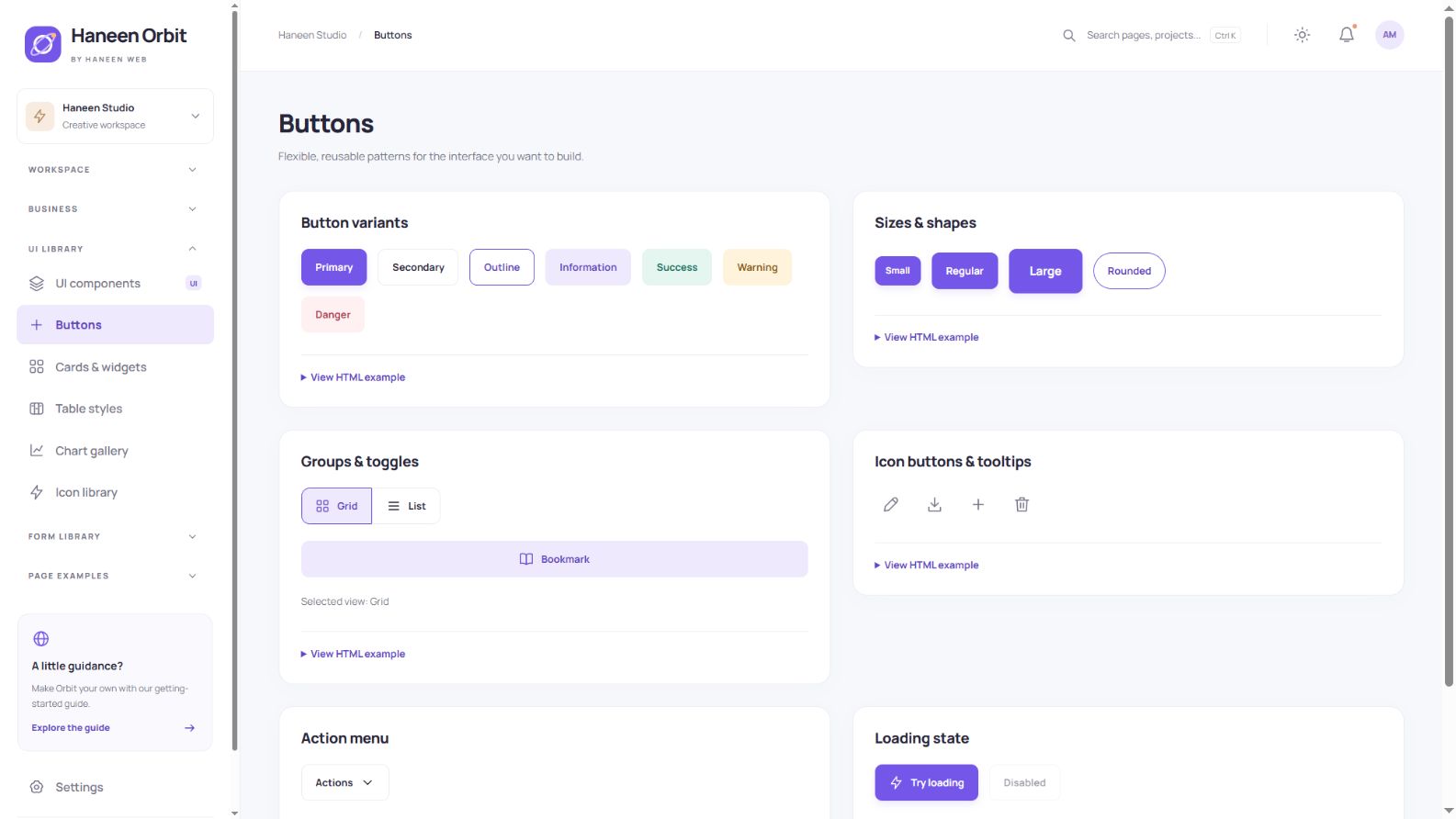
Buttons for everyday actions
Choose primary, secondary, outlined and semantic buttons in several sizes and shapes. Examples include grouped buttons, icon actions, tooltips, an action menu and a loading state. Expand the HTML example to inspect the exact markup behind a component.
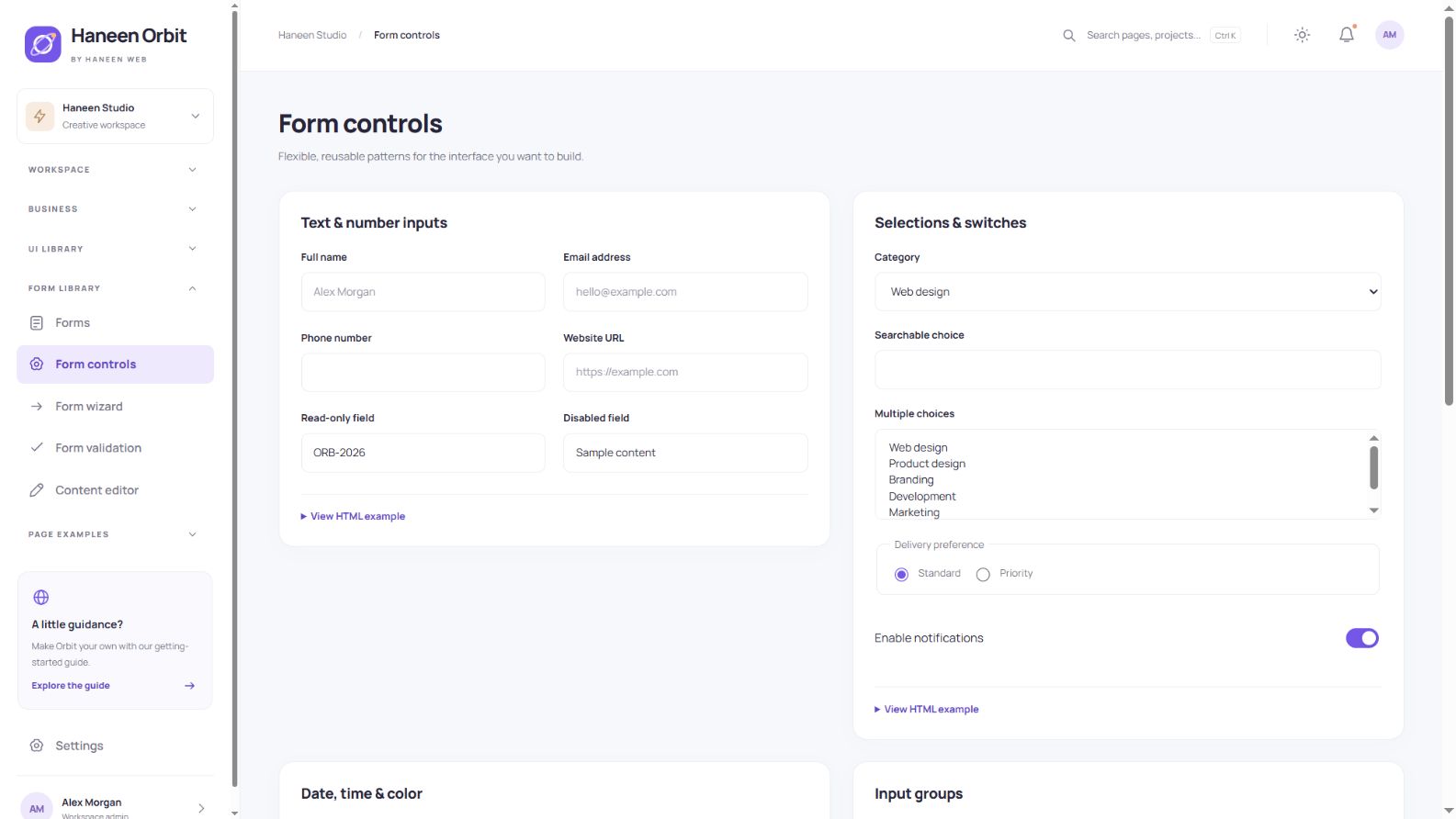
A broad form-control library
Explore text, email, telephone, URL and numeric fields; ordinary, multiple and searchable choices; checkboxes, radios and switches. The library also includes date, time, color and range inputs, input groups, a character counter and password visibility. File selection shows local names and sizes without uploading files.
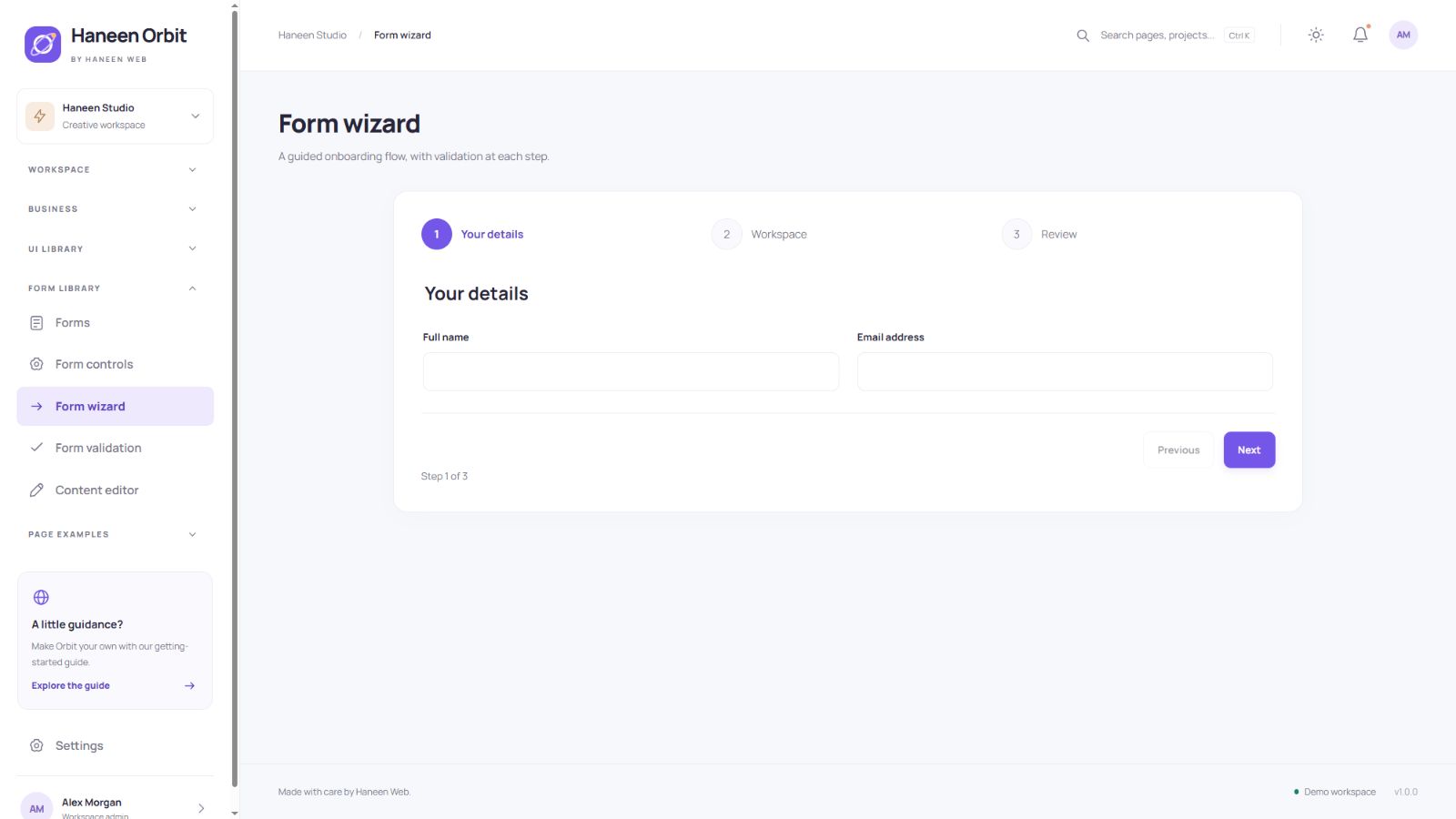
A validated three-step wizard
The wizard separates personal details, workspace information and a final review. Validation runs before advancing, and going back preserves entered values. Reuse the pattern for onboarding or a multi-part request; the demonstration does not create a real account.
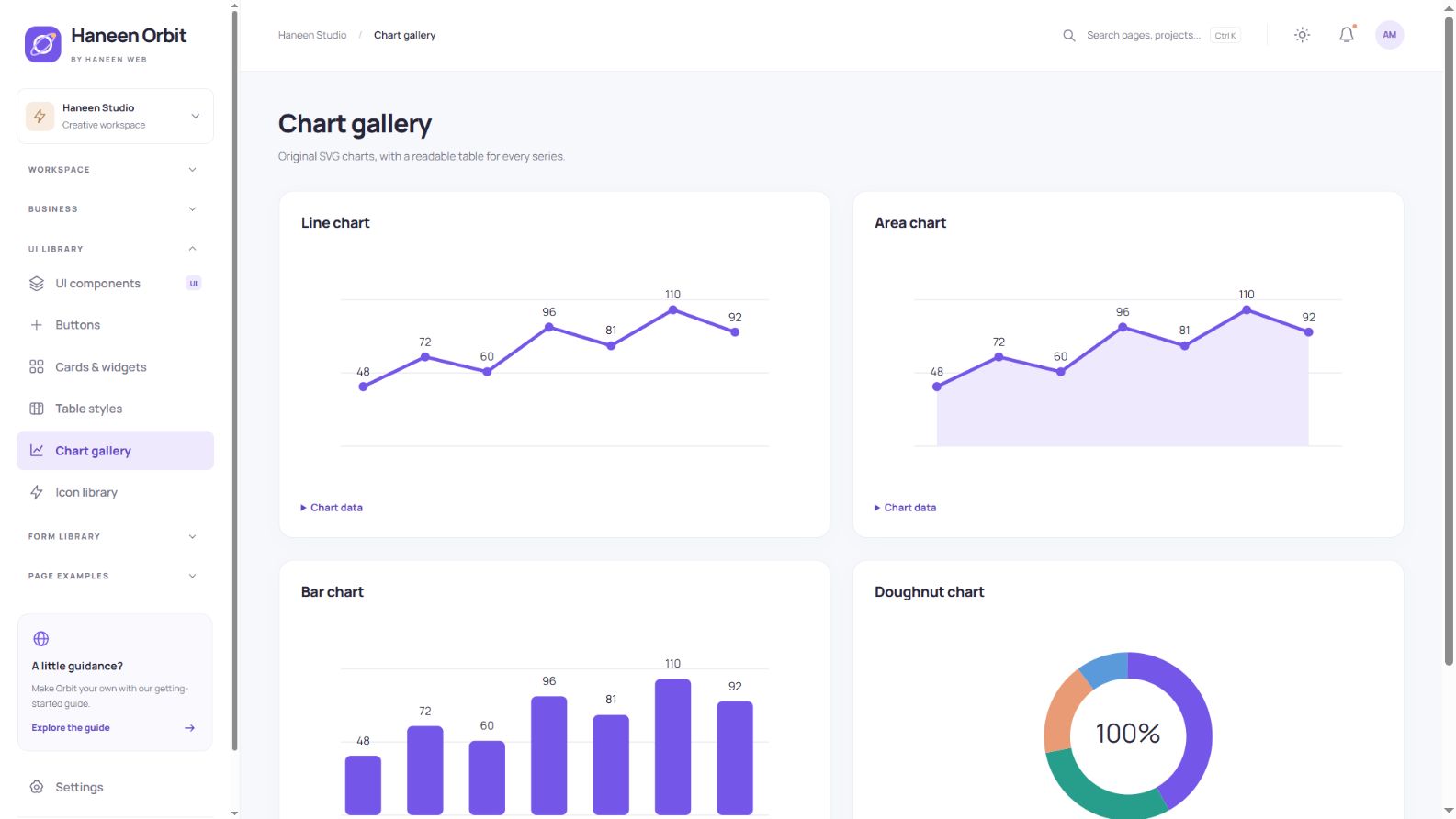
Charts with readable data
The chart gallery includes line, area, bar and doughnut examples, complemented by metric sparklines. Original SVG graphics are paired with readable data tables. The bundled examples run without an external chart package.
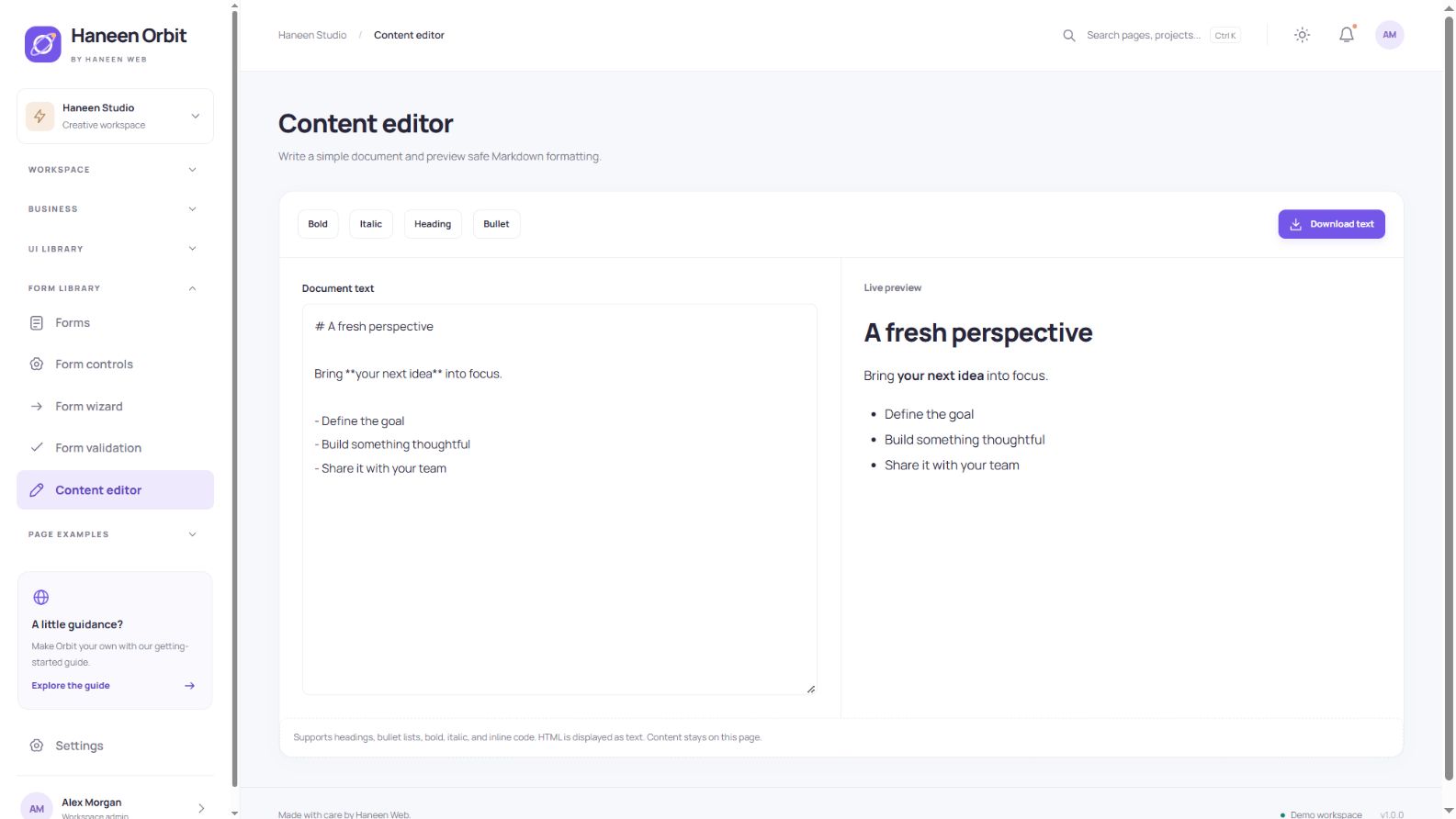
Content editor and safe preview
Write headings, lists, bold or italic text and inline code, inspect the live preview, and download the document. HTML is displayed as text rather than executed. This is a small Markdown subset, not a full WYSIWYG editor or a connected publishing system.
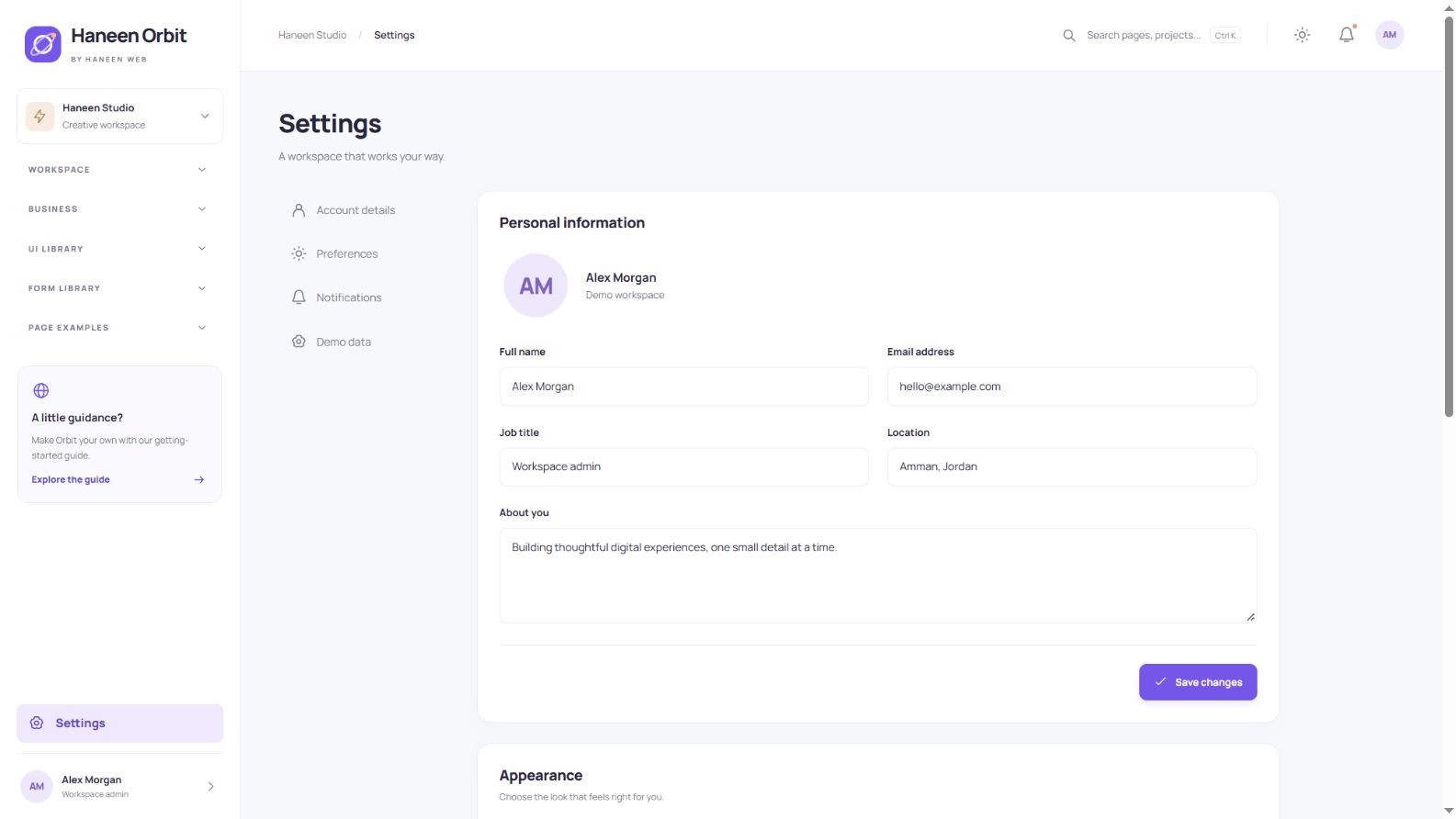
Appearance and preferences
Choose light, dark or system appearance, switch the accent color and adjust layout density. Settings also include profile fields, sample preferences and a demo reset. Notification preference switches do not send real email.
All 32 included pages
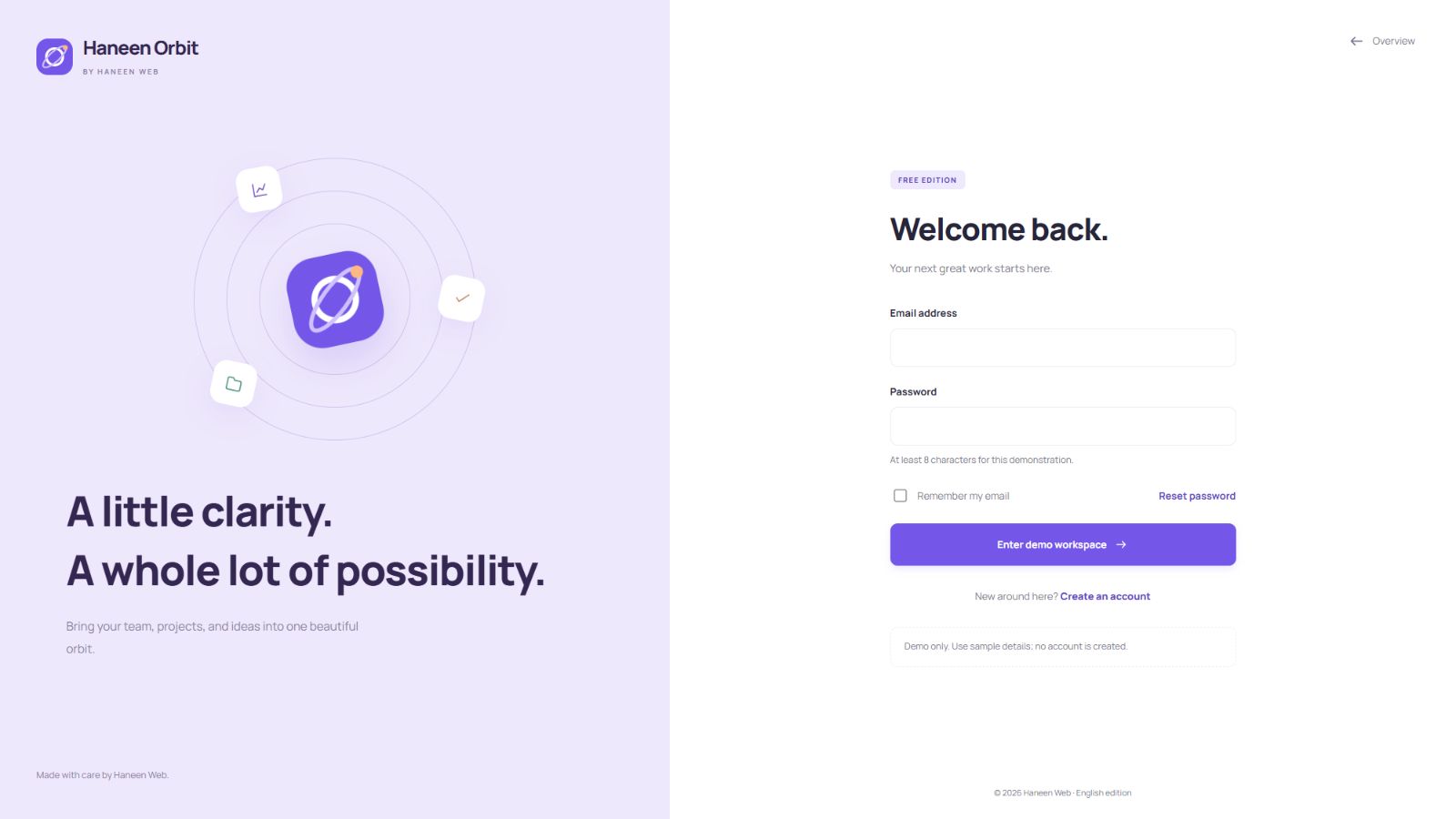
Overview, analytics, projects, tasks, orders, customers, invoices, calendar, messages, components, forms, settings, profile, starter, documentation, buttons, widgets, form controls, wizard, validation, table styles, charts, icons, timeline, FAQ, pricing, editor, layouts, sign in, sign up, password reset and 404.
Setup and customization
- Download and extract the package, then open
index.html. - Read
START-HERE.txtanddocumentation.html. - Edit
source/src; design tokens control colors and spacing, while locale files contain interface text. - Rebuilding requires Node.js 20 or newer. Run
npm run buildandnpm run checkfromsource. No npm package installation is required.
Scope and licensing
This is an interactive frontend template with local illustrative data. It does not include a database, real authentication, payments, email, team synchronization or upload processing. Connect your backend, server validation and permissions for a production application. Changes may live only in page memory inside an isolated marketplace preview.
The included terms permit personal and commercial end projects and customization for those projects. The original files may not be resold, redistributed or published as your own template product. Fonts retain their bundled licenses. Consult the license, documentation and reference review in the download.